
Platform money guides
How to make money on Twitch as a small streamer
Twitch lowered its Affiliate requirements in 2025, so more small streamers can earn on Twitch sooner. But Affiliate money is only part of it. The streamers who earn steadily at a small size also take money outside Twitch, from viewers who want more than a sub.
Short answer: stream on a fixed schedule until you reach Affiliate, which Twitch now grants at 25 followers and 4 hours across 4 days with 3 average viewers. From your first stream, add one link in your panels for tips and anything else you offer, such as commissions, coaching or a paid Discord role. Affiliate money grows with viewers. Your own offers grow with how much your regulars like you.
The short answer
A small stream with ten regulars who show up every week is a real community. Some of them would happily pay for more of you: a custom emote, a coaching session, a portrait drawn live, a role in your Discord. Twitch's own tools can only collect part of that. The rest needs a link.
Twitch Affiliate: the current rules
Twitch's July 2025 post "Monetization for All" says it changed the Affiliate criteria in early June 2025 to make Affiliate easier for new streamers:
| Requirement | Before June 2025 | After June 2025 |
|---|---|---|
| Time streamed | 8 hours | 4 hours |
| Different days streamed | 7 days | 4 days |
| Average viewers | 3 | At least 3, across those 4 days |
| Followers | 50 | 25 |
Older pages, including some on Twitch's own sites, still show the earlier numbers, so trust your Creator Dashboard. Its Achievements page tracks your progress, and Twitch sends the Affiliate invitation once you qualify. Finish the tax and payout setup right after you accept, or earnings cannot be paid out.
Partner is a separate step with much higher goals, which Twitch calls the Path to Partner. Most small streamers should not plan around it. Plan around Affiliate plus your own offers.
Money inside Twitch
- Subscriptions. Viewers pay monthly for emotes, a badge and sometimes ad-free viewing. Give subs something that feels like yours: emotes from your inside jokes, a sub-only game night.
- Bits. Viewers buy Bits and cheer them in chat. Thank people by name and give cheers a visible reaction on stream.
- Ads. Ads pay per view, so they add little at a small size and can push new viewers away. Run them at natural breaks, and tell chat when one is coming.
Check the Monetization section of your dashboard to see what is turned on for your channel. Twitch adds and changes options over time.
Money outside Twitch
These work before Affiliate and keep working after it:
- Tips. A tip link in your panels. Card payments are safer for you than a personal payment app, because viewers never see your name, email or phone number.
- Commissions. Art, music and design streamers can take custom work and make it live. Price it with how much to charge for a custom commission.
- Coaching and sessions. If you are good at a game, an instrument or a tool, sell one-hour sessions with a clear limit per week.
- Digital products. Overlays, settings files, guides, sample packs, printable build lists.
- A paid Discord role. Give paying supporters a role that opens private channels. Our guide on how to make a paid Discord server compares the ways to do it.
- Sponsors. Small gear and software brands work with focused streams. On a live stream, the FTC says to repeat the disclosure from time to time so late viewers see it.
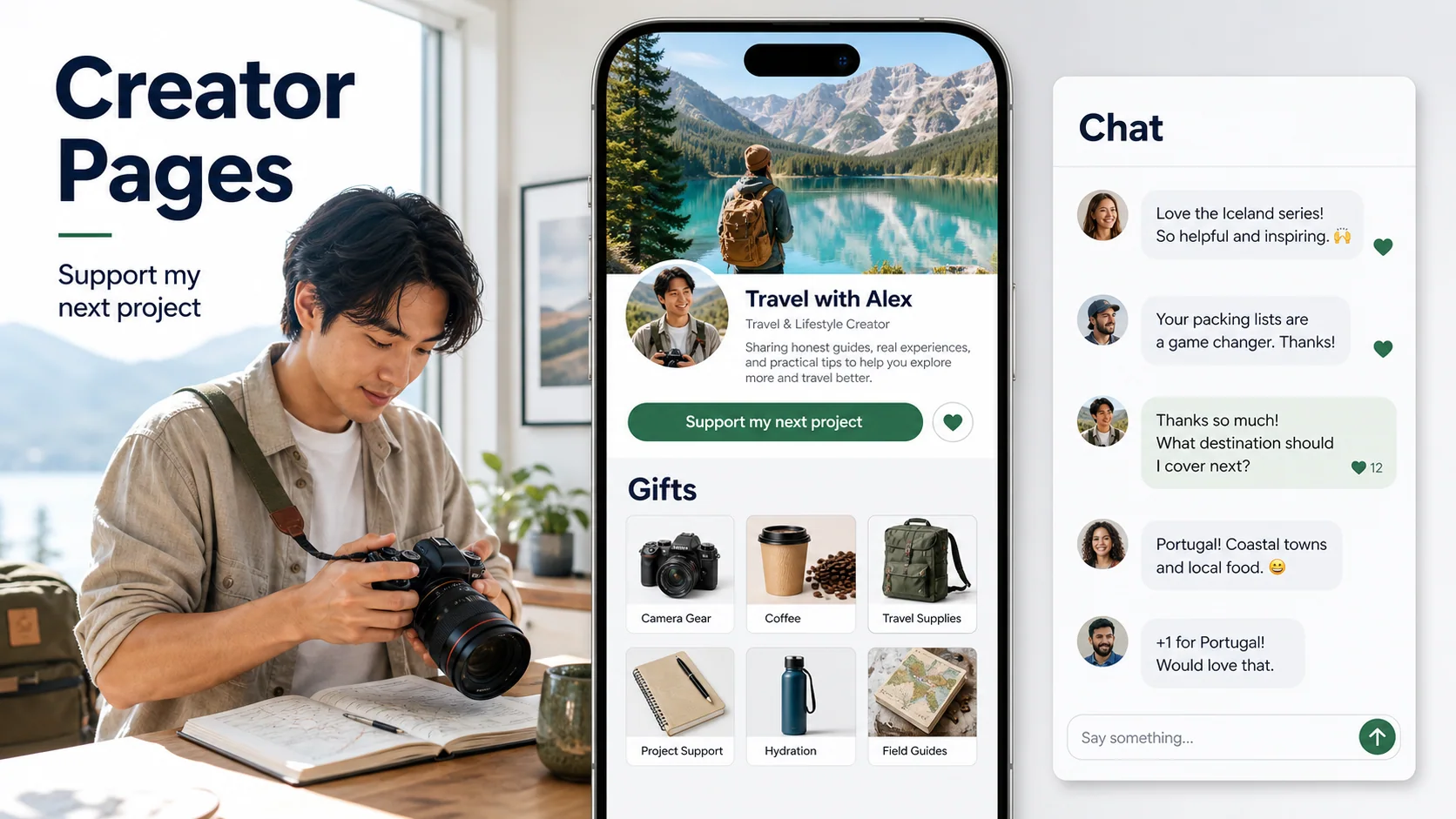
A Loresta Page puts these in one link: tips, memberships, digital products, custom requests and sessions, and it can give supporters a Discord role for an offer (payments are open to US creators for now). On the Free plan Loresta keeps 8% of each Page payment plus Stripe's processing fee, so a $5.00 tip leaves you about $4.13. See the support page for streamers for how it fits a stream.
Set up panels and commands that sell
Panels sit under your stream and are where interested viewers look. Keep them short:
- About: one line on what your stream is and your schedule.
- Support: one button to your support link, with what it pays for: "Tips keep the stream going. Commissions open on Fridays."
- Rules: chat rules in five lines or fewer.
- Discord: a link and what people get there.
Add a chat command such as !support that posts the same link with one sentence. Mention it out loud at most once an hour, at a natural moment: after a big win, a finished drawing or a viewer question you answered.
What works for your kind of stream
- Gaming: subs, Bits, coaching sessions, a paid Discord role with game nights.
- Art: commissions made live, then prints or brushes as digital products. See how to take art commissions online.
- Music: song requests through tips, sample packs, lessons.
- Just chatting: tips, a membership with a monthly Q&A, a paid Discord.
- Building and making: files and plans as digital products, sponsors for tools and parts.
A weekly routine that does not burn you out
- Stream on the same days and times each week, even if that is only three days. Regulars come back to a schedule.
- Open one offer at a time, such as commissions on Fridays, so you never owe more work than you can do.
- After each stream, spend ten minutes answering messages and thanking supporters.
- Once a week, clip one moment and post it on TikTok, YouTube Shorts or Instagram with your support link in your bio.
- Once a month, look at what earned money and drop what did not.
Mistakes small streamers make
- Waiting for Affiliate to earn anything. A support link works from your first stream.
- Asking for money every few minutes. It feels like a sales pitch and new viewers leave. Once an hour, at a good moment, is enough.
- Sharing a personal payment handle. It can show your real name. Use a page that hides it.
- Taking more commissions than you can finish. Set a number of slots and close them when they fill.
- Trusting old requirement lists. Twitch changed the Affiliate rules in 2025. Check your dashboard.
Research notes
Sources checked for this guide
Product details and policies can change. First-party pages were checked on October 27, 2026.
- Twitch Blog: Monetization for All (July 2025)
Affiliate criteria changed in early June 2025: 4 hours, 4 different days, at least 3 average viewers, and 25 followers, down from 8 hours, 7 days and 50 followers.
- Twitch Help: about monetization on Twitch
Twitch's overview of the ways Affiliates and Partners earn on Twitch.
- Twitch Help: Partner Program overview
Partner is a separate, higher tier that streamers apply for after meeting Twitch's Path to Partner goals.
- FTC: Disclosures 101 for social media influencers
On live streams, repeat a sponsorship disclosure from time to time so late viewers see it.
Questions creators ask next
Direct answers that keep the plan realistic.
How many followers do you need to make money on Twitch?
For Twitch Affiliate, Twitch's 2025 update lowered the bar to 25 followers, plus 4 hours of streaming on 4 different days with at least 3 average viewers. Outside Twitch, tips, commissions, coaching and memberships you run yourself have no follower minimum.
How do I become a Twitch Affiliate?
Stream until you meet the criteria, then watch for the invitation. Twitch sends Affiliate invitations once you qualify, and you track your progress on the Achievements page of your Creator Dashboard. Accept the invitation, then finish the tax and payout setup so you can be paid.
Can you get tips on Twitch without being an Affiliate?
Yes. Bits need Affiliate status, but a tip link in your panels works from your first stream. Use a page that takes card payments, so viewers never need your personal email or a payment app handle.
What do Twitch Affiliates earn from?
Affiliates can earn from subscriptions, Bits that viewers cheer, and ads that run on their streams. Check the Monetization section of your dashboard for what is turned on for your channel, because Twitch adds and changes options over time.
Is it better to grow on Twitch or move viewers to Discord?
Do both, in that order. Twitch is where new people find you live. A Discord server keeps regulars talking between streams, and a paid role can give your most loyal supporters something extra.
Do I pay taxes on Twitch income?
Usually, yes. Subs, Bits, ad money, tips and sponsorships are generally income. Keep records of every payout and check your local rules or ask a tax professional.
Give your stream a support link that works from day one
Claim your name and paste your link. Loresta builds a free Page for tips, offers and answers to your followers' questions. Nothing goes live until you publish.
Compare plans